

Android 17: A Cleaner, Quicker Everyday Experience
Android 17 is a major software update for phones that focuses less on flashy redesigns and more on quiet performance and usability upgrades that make everyday tasks feel smoother, screens less cluttered, and small interactions like changing settings or wallpapers noticeably more convenient over time.
If you judge Android updates by how much they change your phone’s look, Android 17 might seem modest. That’s the wrong lens. The real value is in the small controls it hands back to you: visual noise you can turn off, toggles that are easier to hit, and wallpaper tools that match how people actually use their photos. These touches don’t show up in marketing slides, but they do show up in how quickly you get things done. The smart move with Android 17 is to aggressively enable the features that cut friction and skip the ones that add more stuff to look at. Treat this update like a decluttering session for your phone.
Declutter the Status Bar: Halo, Mute Icons, and Sanity
Your status bar should tell you what matters, not serve as a permanent notification graveyard. Android 17’s emerging “Status bar” settings are the most important new tools for reclaiming that space. Work-in-progress code shows a dedicated section in Settings where you’ll be able to control which system and notification icons are allowed to live up there. That includes the upcoming Android Halo assistant icon and the mute indicator, both of which can be toggled off to reduce visual clutter.
Here is the key judgment call: if you rely on persistent AI feedback or need a constant reminder that your phone is muted, keep those icons on. Everyone else should hide them and free up mental bandwidth. According to an Authority Insights teardown, “Google appears to be working on adding a new ‘Status bar’ section in the Settings app where users can control the visibility of this icon and other system and notification icons.” Because this is based on an APK teardown, there’s a real chance the options could change or never ship. But if they do land, treat them as clutter filters, not new toys.
Home Screen Tweaks That Make Your Phone Feel Faster
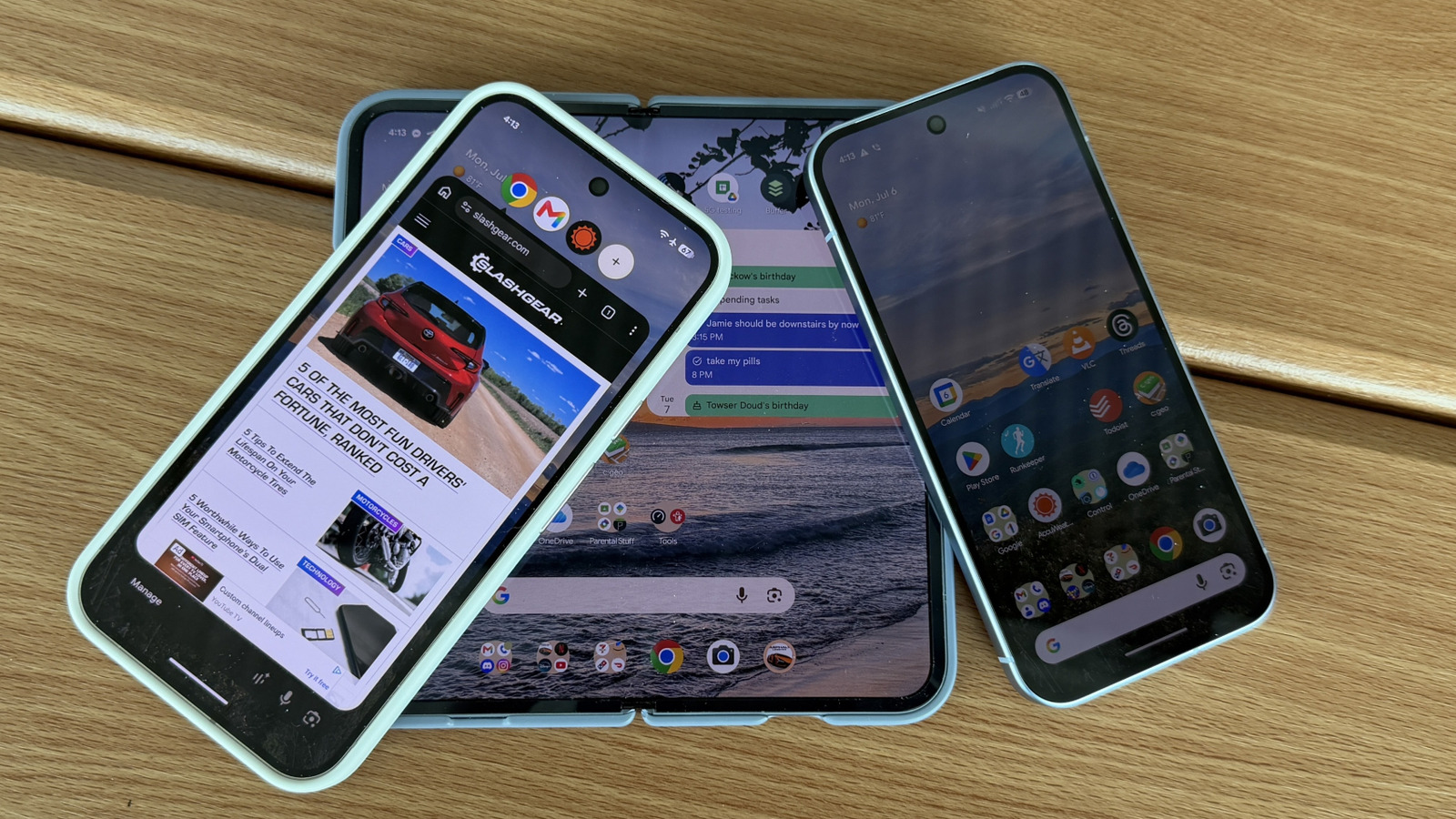
Android 17’s home screen changes are subtle, but they push your phone toward feeling faster by removing small delays and distractions. You can now turn off app labels on the home screen if you want to. For power users who already know icons by sight, this is a clear win: fewer words, faster targeting, and a layout that feels more like a control panel than a cluttered app drawer. The widget picker gains translucent styling to match the app launcher and notification panel, which keeps the UI visually consistent and less jarring when you dip in to add or move widgets.
More important is the customization of the permanent search bar at the bottom of the screen. You can adjust its transparency and even add a third icon to it. Before, this level of customization was available only for a separate Google search widget, not the built-in bar. This matters because the bar is where many people start actions. If you turn it into a quick-access strip for your most-used tools, you cut taps every single day. If you don’t care about aesthetics or extra shortcuts, you can largely ignore these options—but then you’re missing low-effort speed gains hiding in plain sight.
Photo Shuffle on Pixel: Finally, Your Own Pictures as Dynamic Wallpapers
On Pixel phones, Android 17 lines up with a long-requested wallpaper upgrade that finally respects your own photos. Pixel owners have asked for wallpaper shuffling with personal images for years, and the current “Daily Wallpaper” option only cycles through preset categories, not your personal gallery or live wallpapers. The upcoming “Photo Shuffle” feature, expected in a September feature drop, changes that by letting you choose from existing albums or create a custom one dedicated to wallpapers.
The important bit isn’t the eye candy; it’s control. You’ll be able to decide how often the wallpaper changes—hourly, daily, at sunrise and sunset, or on tap. That means you can make your lock screen a rotating family album, a mood board that shifts with the time of day, or a calm static background that updates only when you feel like it. The feature is said to live in the “Wallpaper & style” settings under the main Settings menu on Pixel phones. But treat the timeline as tentative: “there is always a chance it might be delayed or scrapped entirely by Google.” If it arrives, enable it; if it doesn’t, that’s one of those features you’ll miss only once a day—when your wallpaper stays the same.
Connectivity Toggles and a Realistic Rollout Timeline
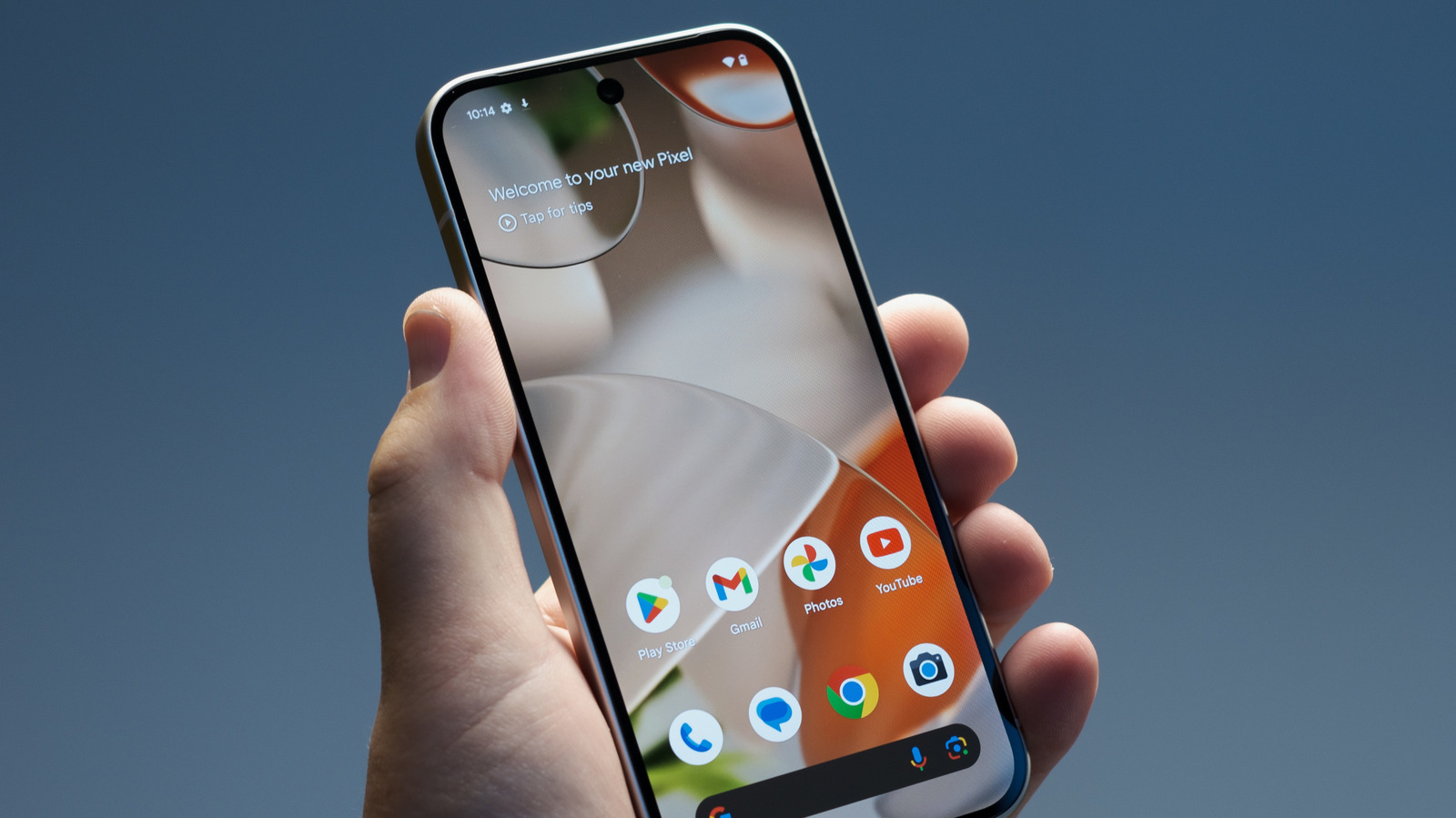
Speed is not just about GPU benchmarks; it’s about how fast you can change what your phone is doing. Android 17 quietly improves this by splitting Wi‑Fi and mobile data back into separate quick settings toggles instead of the single “Internet” button introduced a few years ago. For anyone who toggles data off to save battery or switches Wi‑Fi networks often, this is a practical win: one tap per action, clearer state, less hunting through menus. These are the kinds of Android 17 features that make daily use feel snappier without touching the processor.
As for when you’ll see all of this, the honest answer is: in waves, and with caveats. Photo Shuffle is tied to a September feature drop for Pixel devices and could slip or be cancelled. Status bar controls for Android Halo and the mute icon are based on an APK teardown of Android Canary builds, which means “it is possible that such predicted features may not make it to a public release.” Non‑Pixel phones from other manufacturers will likely get Android 17 after their own testing cycles, and some features may be missing or heavily skinned. The takeaway is simple: don’t upgrade for promises. Upgrade, then ruthlessly turn on the features that cut taps and visual noise, and ignore the rest.





